Tornado Interceptor Lab Getting Started Guide
Spawn, build low, cover the wheels, then chase your first EF tornado for cash and parts.
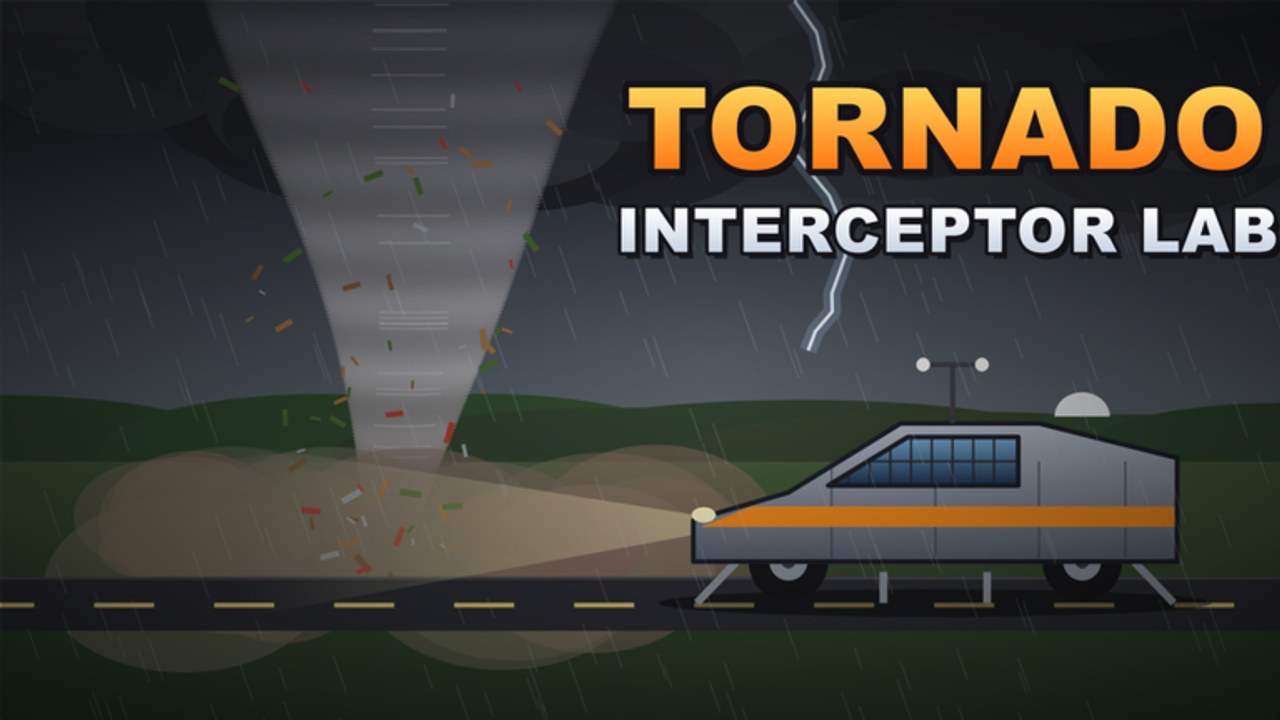
Tornado Interceptor Lab [Beta] is Arvexa studio’s free Roblox vehicle-sim / storm-chasing experience. You join a session of up to ten players, assemble armored interceptors in a shared lab, then drive those machines into EF-rated tornadoes to earn cash and salvage parts. The Beta opened on 4 November 2026 (universeId 10774715419). This guide gets you from first spawn to a repeatable loop without wasting early parts on tall, fragile chassis.
If you want the full tutorial map afterward, return to the Guides Hub. Builders should continue with How to Build and Flaps Deployment. Drivers should bookmark How to Intercept, Controls, and Threshold Survival.
What the game actually is
Tornado Interceptor Lab is not a pure racing title and not a pure building sandbox. The core loop is design → test → chase → rebuild. You armor a vehicle so it can take lateral wind and debris, lower the ride height so deployed flaps can seal over the tires, then commit to a tornado approach that keeps your threshold above the storm’s wind. Failures dump you back in the lab with damaged parts and a clearer idea of what to change. Successes fund thicker plating, better flaps, and wilder prototypes — including community favorites like the Cad 1 style interceptor often shown with blue paint and contested flap layouts.
Creators such as OperaXD have posted Cad 1 chase footage that is excellent orientation for new players: watch how low the body sits and how the flaps behave when the cone tightens. Pair that visual with the written rules below before you copy paint schemes alone.
First-session checklist
- Join from Roblox via the official place and confirm you are in a Beta server (max ten players).
- Explore the lab — find spawn pads, part racks, and the exit route to the chase field.
- Spawn a starter chassis and immediately check ride height. Tall looks cool; tall dies early.
- Install flaps and practice deployment until they visually cover the wheels. Community consensus credits this habit with roughly +30–50 wind threshold.
- Take a weak EF for your first cash run instead of hunting highlight-reel EF5 or rare EF6 (~261+ mph) events.
- Bank cash and parts, then rebuild with thicker low-side armor before increasing storm difficulty.
- Skim Codes in case a promo drops (none verified publicly as of late November 2026), and peek at the Tier List once you have a working baseline.
Lab priorities before your first chase
Spend your first minutes understanding mass distribution and ground clearance rather than stacking decorative panels. A squat Cad 1–inspired profile with covered wheels will outlast a lifted show truck every time. Use the lab’s test space to deploy flaps at standstill, then roll a few meters and redeploy so you know the animation timing. If flaps stop short of the tire line, lower the chassis or adjust flap mounts — do not “fix it in the storm.” Details live in Flaps Deployment and the structural walkthrough in How to Build.
Learn camera and throttle habits in Controls before you fight debris fog. Smooth throttle inputs matter more than peak speed when wind shear starts shoving the rear axle.
Your first intercept mindset
Approach from a clear vector, keep speed moderate, and treat the tornado as a moving hazard zone rather than a finish line. Early cash comes from surviving contact long enough to register the intercept and extract — not from parking in the core of an EF5. When players report rare EF6 storms, watch from a safe distance until your threshold and flaps routine are automatic. How to Intercept covers approach geometry; Threshold Survival covers staying upright when the rating spikes.
Progression after the tutorial hour
Reinvest in low-side armor, reliable flap actuators, and spare wheels before cosmetic blue paint. Compare your chassis notes with community rankings on the Tier List. Track creator showcases under Players, watch for quality-of-life notes on Scripts, and follow Arvexa changes on Updates. Official links and socials sit on the Links Hub.
Common day-one mistakes
- Building tall so flaps cannot cover tires
- Chasing the strongest storm on the map before earning a stable threshold
- Ignoring flap deploy timing until debris is already airborne
- Spending cash on cosmetics before armor and actuators
- Skipping the Guides Hub cross-links and relearning every tip from chat
How this wiki stays useful in Beta
Early-access patches can retune wind math, part costs, or lab tools. After each update listed on Updates, re-test flap coverage and threshold on a weak EF before you trust yesterday’s Cad 1 clone in an EF5. Bookmark Getting Started (this page), keep trailing-slash links when you share paths like /guides/how-to-build/, and treat community tips as experiments you verify in your own garage.
Master the low-and-covered rule, cash out a few safe intercepts, then graduate to the deeper build and survival guides. That sequence is how most consistent chasers — including Cad 1 showcase creators — turn Beta chaos into a repeatable Roblox storm career.
Frequently Asked Questions
Quick answers about builds, intercepts, codes, and survival.
Is Tornado Interceptor Lab free on Roblox?
Yes. It is a free Roblox experience by Arvexa studio, currently in early-access / Beta with a maximum of ten players per server.
What should I unlock first?
Prioritize a low chassis, flaps that cover the wheels, and basic armor. Cosmetics and extreme EF hunts can wait until your threshold is stable.
Why do players talk about +30–50 threshold?
A widely repeated community tip says keeping the vehicle low so deployed flaps cover the wheels often adds about 30–50 to wind threshold. Verify it on your own build after each patch.
Are there working promo codes?
As of late November 2026 there are no verified public promo codes. Check the Codes Hub whenever Arvexa announces one.
What is Cad 1?
A notable community prototype interceptor, often blue, with ongoing debate about ideal flap layouts. OperaXD and others show Cad 1 chase gameplay worth studying after you finish this guide.