Tornado Interceptor Lab Controls & Chase Habits
Bind comfort, smooth throttle, and camera checks that keep flaps sealed in the storm.
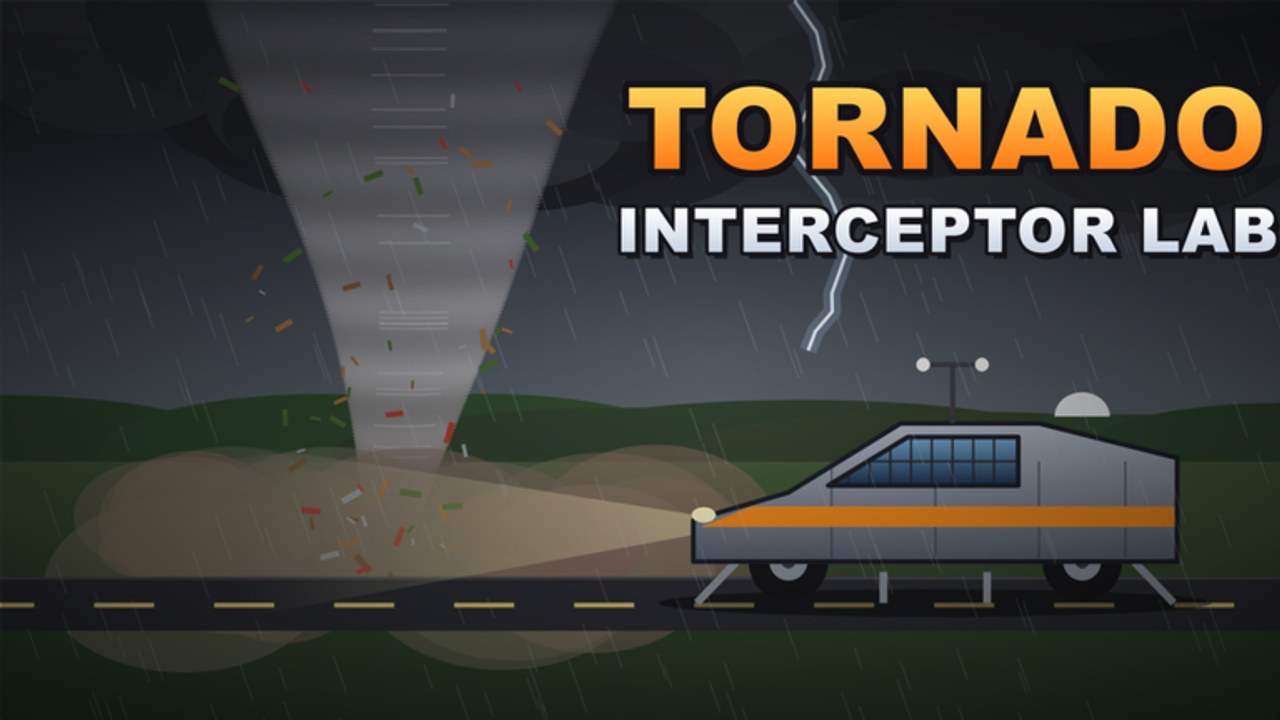
Good controls habits turn a sealed lab build into a living interceptor. Tornado Interceptor Lab [Beta] by Arvexa studio on Roblox (free, max ten players, since 4 November 2026) asks you to drive armored vehicles into EF-rated tornadoes after building them in a shared lab. This guide focuses on input discipline: throttle, steering, flap deploy timing, and camera work. It assumes you already know why flaps must cover the wheels for that community +30–50 threshold bump — details in Flaps Deployment and How to Build.
Orient with Getting Started, then apply these habits inside How to Intercept and Threshold Survival. More tutorials: Guides Hub.
Mindset: smooth beats twitchy
Wind shear punishes sudden inputs. Snapping the stick or mashing brake unloads one side of the chassis, lifts an uncovered edge, and starts the tumble Cad 1 drivers work hard to avoid. Aim for continuous, moderate corrections. Think of the interceptor as a heavy science van, not an arena fighter.
Practice in the lab first: roll, deploy flaps, weave gently, and confirm the tire line stays hidden from a side camera. Only then exit toward a weak EF.
Core actions to master
Exact keybinds can vary with Roblox device and your custom mappings, so learn actions rather than memorizing one streamer’s layout:
- Throttle / brake — feather instead of binary full/zero when inside circulation
- Steer — small angles on shallow intercept approaches
- Flap deploy / retract — bind somewhere reachable without taking eyes off the funnel
- Camera cycle / free look — side view for coverage checks; forward view for approach
- Enter / exit vehicle — know it cold for lab swaps and post-crash recoveries
If you play on multiple devices, keep a short note of your deploy bind so Beta patch days do not wipe your muscle memory.
Camera habits that save builds
- Approach: forward or slight chase cam to read storm motion.
- Pre-contact: flick to side view, confirm flaps still cover wheels under motion.
- Deep contact: return forward, prioritize pathing over cinematography.
- Extract: glance back only when clear of debris — vanity clips are optional.
OperaXD-style Cad 1 chase videos are useful for seeing how often serious drivers check stance without losing the line. Copy the discipline, not only the blue paint.
Throttle and steering in EF wind
Enter on a mid-band speed as described in How to Intercept. If the rear steps out, unwind steer and ease throttle rather than opposite-lock drama. Braking hard nose-dives some builds and can open flap gaps at the rear axle — another reason Flaps Deployment insists on motion tests, not idle screenshots.
When wind exceeds your threshold, survival inputs matter more than hero depth. Threshold Survival covers peel-off decisions for EF5 pushes and rare EF6 (~261+ mph) reports.
Lab control drills (five minutes)
Run this drill at the start of a session:
- Spawn your current mule or Cad 1 variant.
- Deploy flaps at standstill; side-cam check.
- Roll at city speed, redeploy, side-cam check under squat.
- Weave through gentle S-curves without lifting flaps off the tire line.
- Full stop, retract, redeploy — confirm actuators are not sticky.
Fail any step? Fix hardware in How to Build before chasing. Pass all five? You are cleared for a weak EF cash run from Getting Started progression logic.
Multiplayer courtesy (10-player caps)
Call your deploy and entry so teammates do not sandwich you. Avoid brake-checking inside the cone. If someone is demonstrating experimental tooling, keep that discussion on Scripts and stay inside Roblox ToS. Ranked vehicle ideas belong on the Tier List; creator showcases on Players.
Settings and accessibility tips
- Lower camera shake if debris fog makes you over-correct
- Increase UI contrast if flap indicators are easy to miss
- Remap deploy away from adjacent reverse/brake keys if you misclick under stress
- On mobile, prioritize a reachable deploy control over cosmetic UI clusters
Re-check binds after client updates listed loosely alongside game notes on Updates.
Economy and meta links
Controls will not invent threshold out of a tall uncovered truck. Spend cash on actuators and low armor first; cosmetics later. Codes still shows no verified public promos as of late November 2026. Official Roblox place and socials: Links Hub.
Controls checklist before every chase
- Deploy bind tested in lab
- Side-cam coverage check under motion
- Throttle plan: mid-band, no panic brake
- Shallow approach line chosen
- Extract conditions agreed (solo or party)
- Spares ready if a hinge fails mid-run
Closing
In Tornado Interceptor Lab, hands and hinges work together. Smooth inputs keep flaps seated; seated flaps keep tires covered; covered tires keep the threshold that makes intercepts profitable. Drill the five-minute lab loop, then take those habits into stronger EF ratings. When a teammate spins out, send them this page plus the Guides Hub — trailing slash included — so the whole server upgrades from twitchy to technical.
Frequently Asked Questions
Quick answers about builds, intercepts, codes, and survival.
What is the most important control habit?
Smooth throttle and steering so flaps stay seated and wheels stay covered under wind shear.
How do I check flaps while driving?
Use a quick side-camera glance during the approach before deep contact — confirm tires are still hidden.
Should I hard-brake inside the tornado?
Usually no. Hard braking can unload the rear, open coverage gaps, and start a flip. Ease out on throttle and steer shallow instead.
Do keyboard and mobile use the same tips?
Yes for habits — early deploy, smooth inputs, coverage checks — even if the exact binds differ by device.
Where do I go after learning controls?
Practice How to Intercept on weak EF storms, then study Threshold Survival before EF5 or rare EF6 attempts.